



RobyCasino App
Spinning reels and sitting at live tables get easier with the RobyCasino app. It functions as a progressive web application (PWA). This means you can install the software straight from our official site in seconds. Mobile players get fast-loading online slots and lock-screen alerts to always keep our casino close at hand.



RobyCasino Mobile Casino
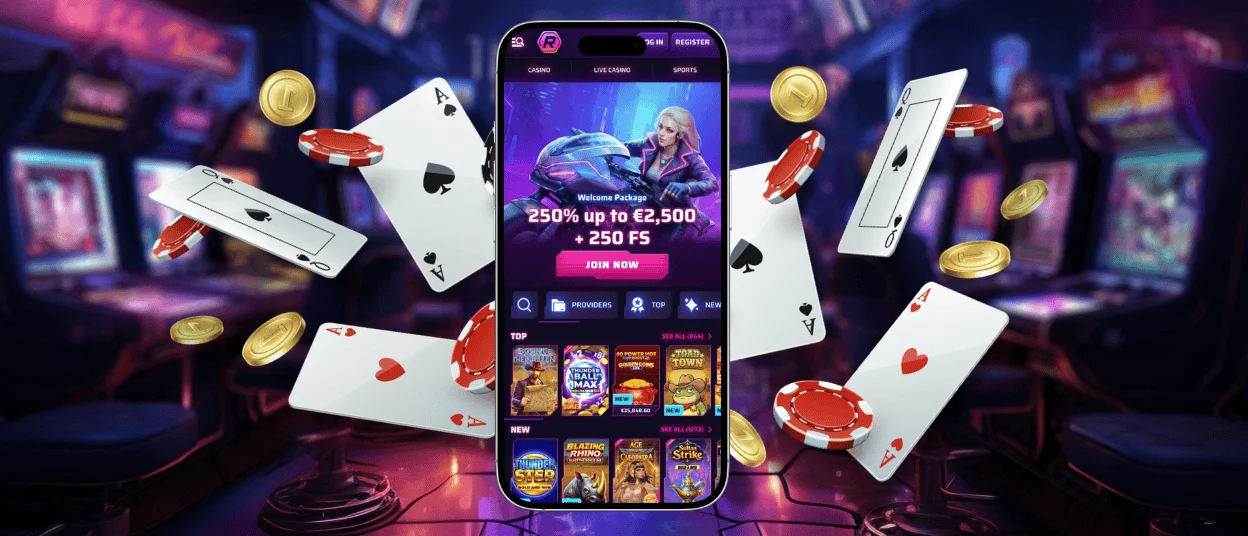
We offer players a choice between the mobile website and a separate PWA for Android and iOS devices. In both cases, you get a comfortable gaming experience on smartphones or larger tablet screens. If you are used to keeping gaming apps in a separate folder and starting programs with one tap from the home screen, the dedicated RobyCasino icon will fit right in.
All the sections and features stay the same as they are on PC. You will not have to form new habits when you switch gadgets. What mostly changes is how you move around the platform and manage your account.
| Action | Roby Casino app | PC website |
| Lobby scrolling | Top titles and new releases stay in place. You choose between them by swiping through horizontal lists. | You flip through slots and the live casino at RobyCasino by clicking the arrows with your mouse. |
| Gaming | Players can pick between portrait and landscape modes. We made the spin and settings buttons larger and placed them right where your thumb can reach. If you press and hold, many slots will activate quick play. | Your mouse and keyboard act as the main controls. You can also set up hotkeys to automate your sessions. |
| Verification process | You can upload your documents directly from the phone. There is no need to switch devices. | A large screen makes it easier to check the image quality and crop out the excess space. |
Installing the RobyCasino online casino app does not mean starting all over again. You simply log into the same account you use on a PC. From there, you can continue to use your bonuses and make progress in tournaments.
Security Tips for Mobile Play
The mobile platform relies on the TLS protocol to protect your personal data and payments. You can also take action to make playing in the Roby Casino app even safer:
- Install our software only from our site. You should completely avoid APK files from third-party services.
- Use a trusted Wi-Fi network or your mobile data to handle payments and account verification.
- Update your browser regularly to fight off modern cyber threats.
- Lock your phone with a password or hide the casino in a secret folder if you often leave your device unattended.
These steps will help even if your phone goes missing. Nobody will be able to get into your Roby Casino account.
Mobile Application for Android
Installing RobyCasino on Android starts on the casino platform itself instead of Google Play. As soon as you load our website through a mobile browser, a pop-up prompts you to get our software. If you do not see it, just select the “Add to Home Screen” option in your settings.
You will never have to surf the internet to find RobyCasino APK files. Getting the app through your browser removes the need for manual downloads completely. Your sessions get faster from here on out because the mobile casino launches with a single tap. When you open fresh slots like Chicken Fire by BGaming, the small 3×3 grid fits the display perfectly in portrait mode.
Mobile Application for iOS
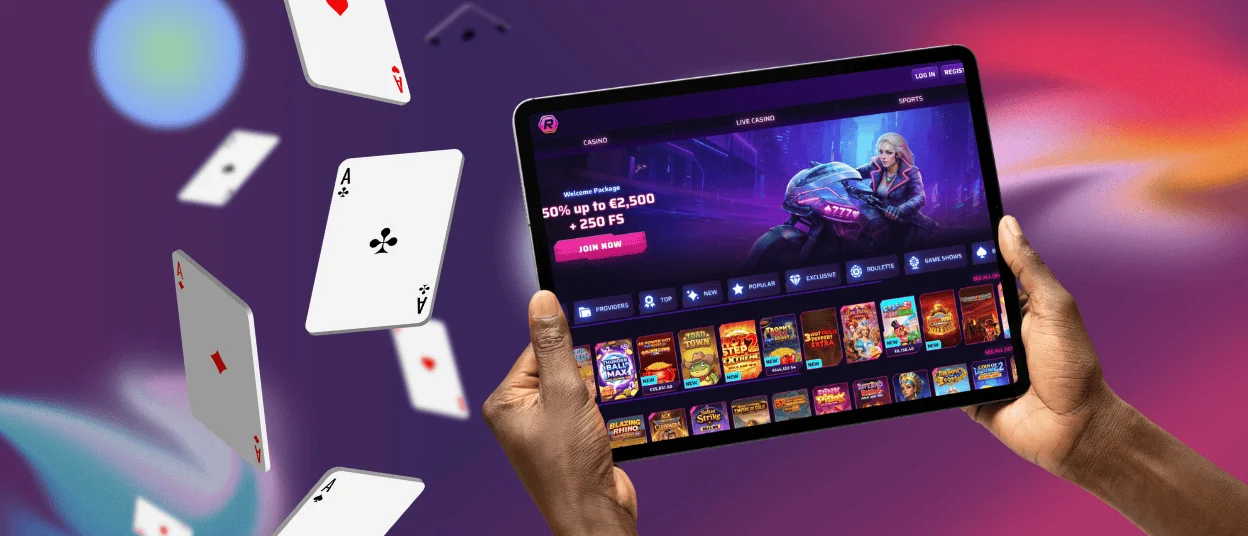
Our software for iPhones and iPads installs in a few seconds. You only need the standard Safari browser to get started. While visiting RobyCasino, find the “Share” option and select “Add to Home Screen.” iOS users can also build a custom icon for the platform through the Shortcuts App. This lets you save any page you prefer and customize the app name and icon.
If you turn on push notifications, we will keep you informed about fresh promotions or remind you about our tournaments. You can even connect these alerts to a paired Apple Watch to get news first, even when your phone is in another room.
RobyCasino Application for Windows/macOS
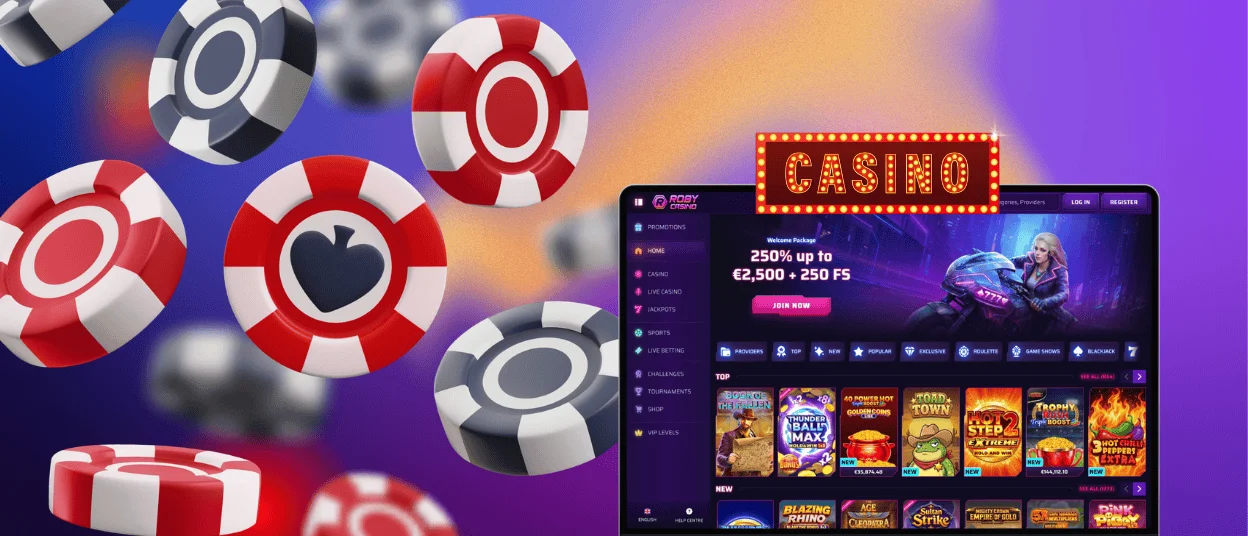
Players who remember old-school casino clients on PC, as well as anyone who values convenience, will appreciate our desktop PWA. It is simple to switch from browser play to launching the RobyCasino app without an address bar. You just go to our official site using Chrome or another modern browser and select the install option right next to the casino address.
After that, simply place the icon among your other programs or pin it to your taskbar. Now you do not need to keep a casino tab open next to your work pages and routine sites.
Our software works with many operating systems:
- Windows
- macOS
- Linux
- ChromeOS
The RobyCasino app on your phones and PCs updates automatically when we deploy changes to the site. You just have to restart the platform to get the new interface or load fresh games.
FAQ
Is there customer support in the RobyCasino app?
You can contact our support team directly through the live chat in the application or on the mobile site. An FAQ with standard info about payments and betting is also available straight from your phone.
Do I need an account to use the Roby Casino app?
Players can evaluate the game library and bonuses on our mobile platform without registration. Playing for real money requires you to log in. You can sign in to the same account you use on the website.
Does the RobyCasino app send notifications for bonuses and promotions?
We notify you about new rewards and remind you of other opportunities like cashback or tournaments. On a phone, alerts arrive on the lock screen. If you play on your PC, they go to the notification center.
Can I use RobyCasino on a tablet?
Our PWA functions exactly the same on smartphones and tablets. A tablet is a middle-ground option you can still take anywhere, but the larger screen works great for live casino sessions at Roby Casino.


